Data Transfer
You can transfer data using SFTP and Globus Online.
SFTP (Secure File Transfer Protocol, SecureFTP)
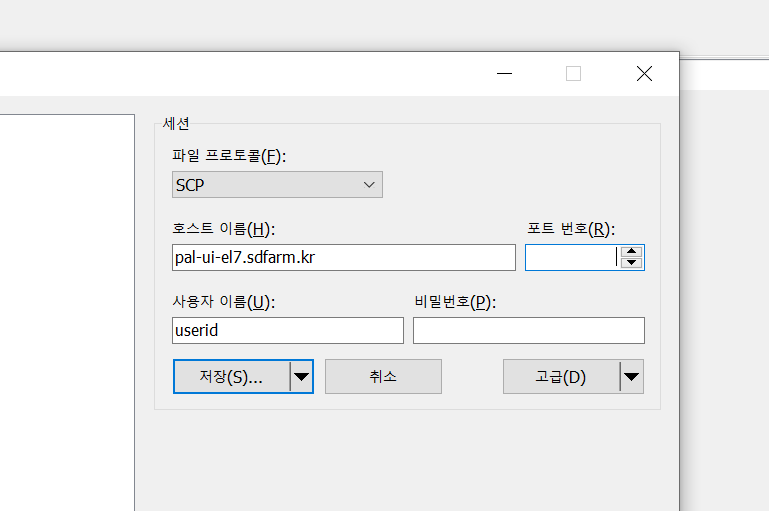
- You can access PAL UI server by FTP software like Filezilla, winSCP, etc.
Protocol: SFTP or SCP
Host: pal-ui-el7.sdfarm.kr / pal-ui02-el7.sdfarm.kr / pal-ui.sdfarm.kr
- Port: XXXX
The SSH port number will be provided upon account creation.
- Account: KISTI account and password
Note: please refer to the OTP Guide - Login with OTP.
Globus Online
KISTI GSDC has the Globus online endpoints, which is set as pal-ui-el7@GSDC.
Steps to transfer data:
Sign up for Globus online and log in (supports CILogon, Google, ORCID iD, globus id).
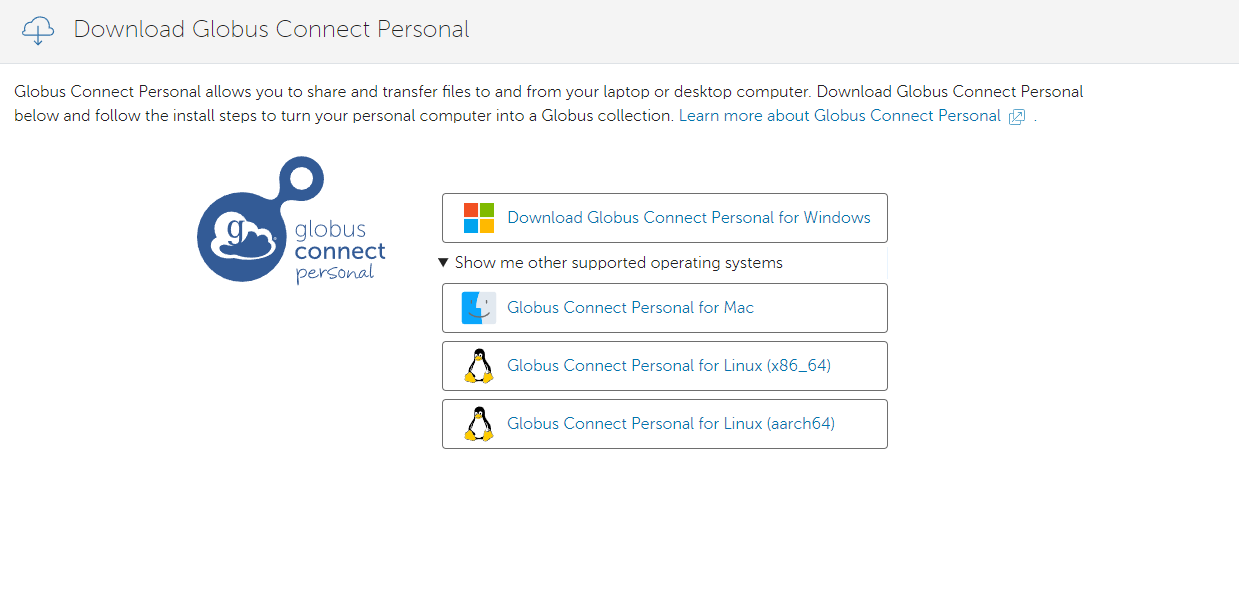
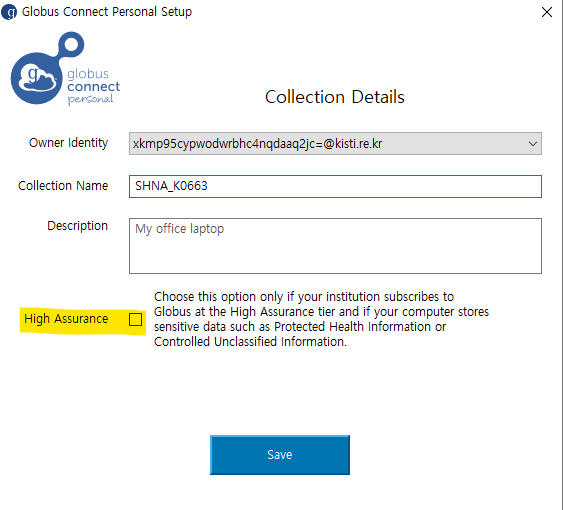
Download and install “globus connect personal” and setup your personal collection.
Warning
Do not select the “High Assurance” option during login and setup the Globus Connect Personal.
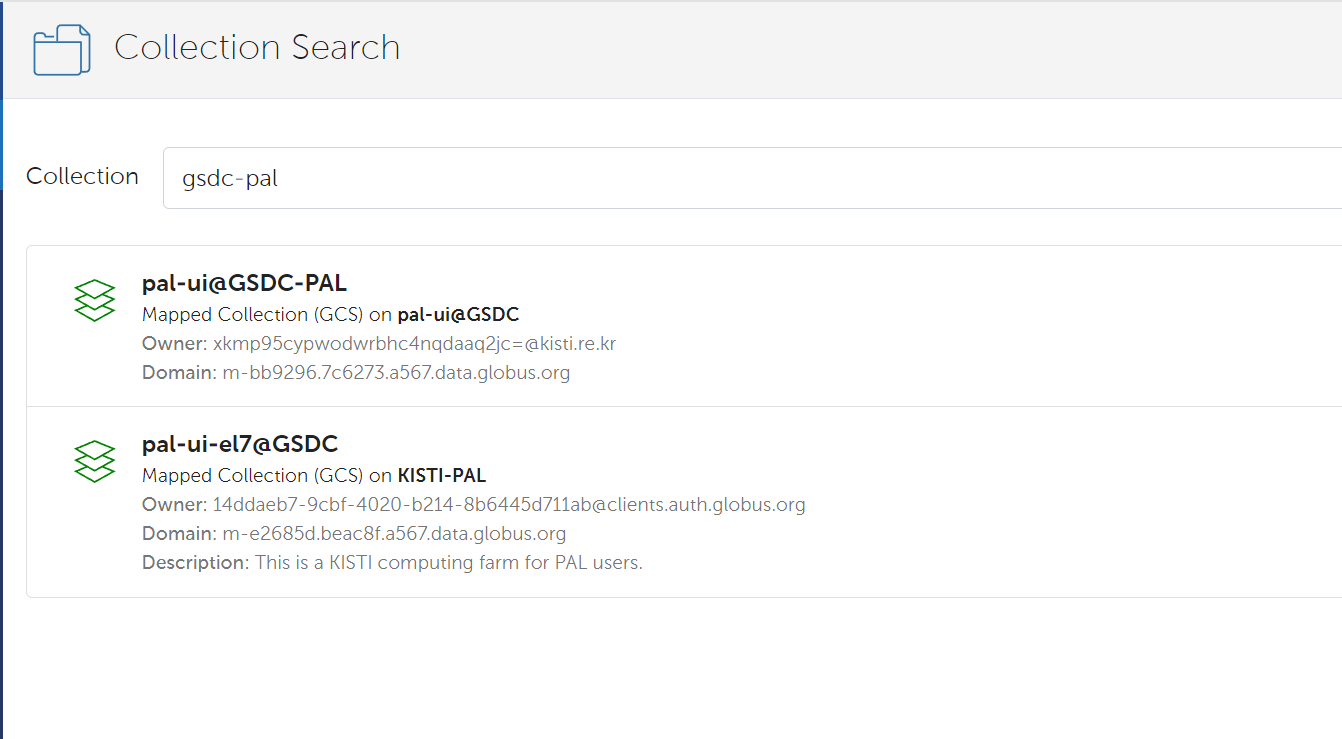
Search for the GSDC-PAL collection using the keyword “gsdc-pal”.
Warning
now you can use only the “pal-ui-el7@GSDC” endpoints.
Log in with your KISTI account (being able to access your home and group directory).
4.1. Please choose continue. And then select your identity or identity provider to continue.
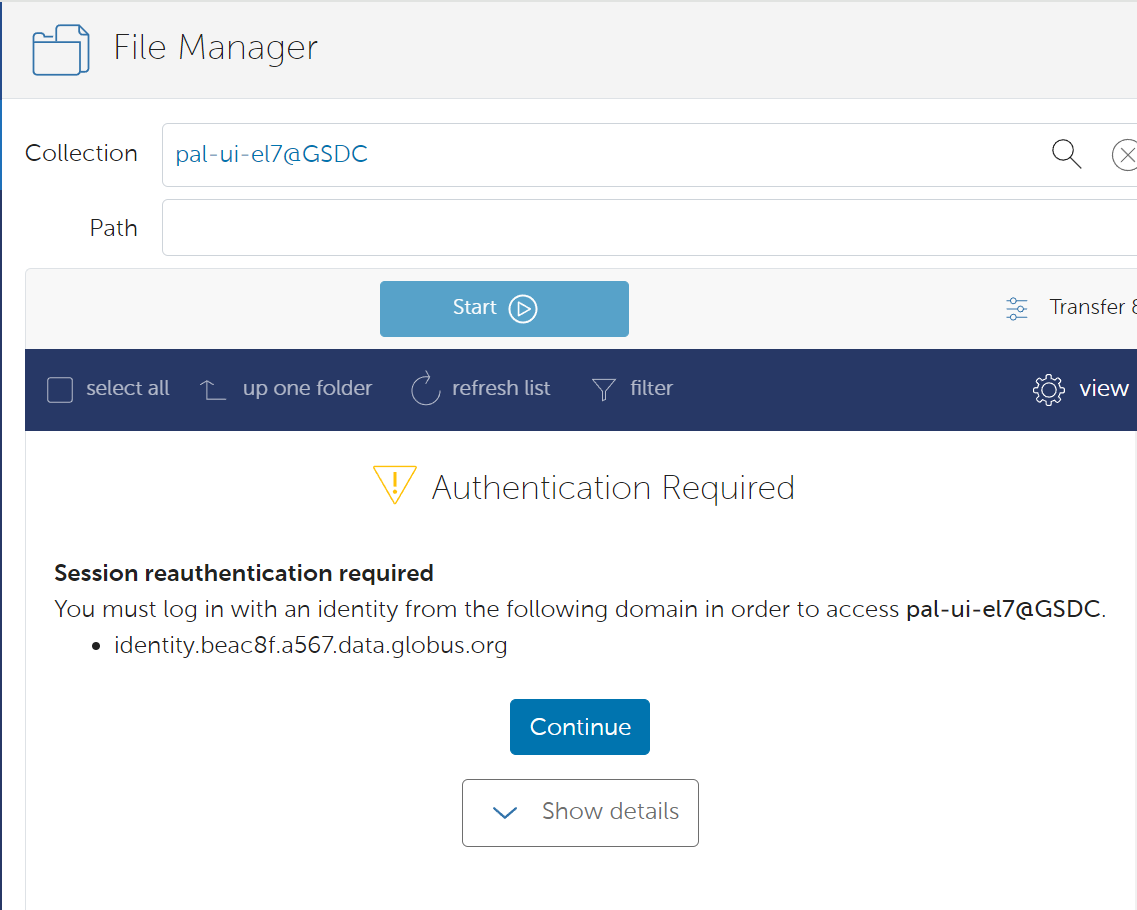
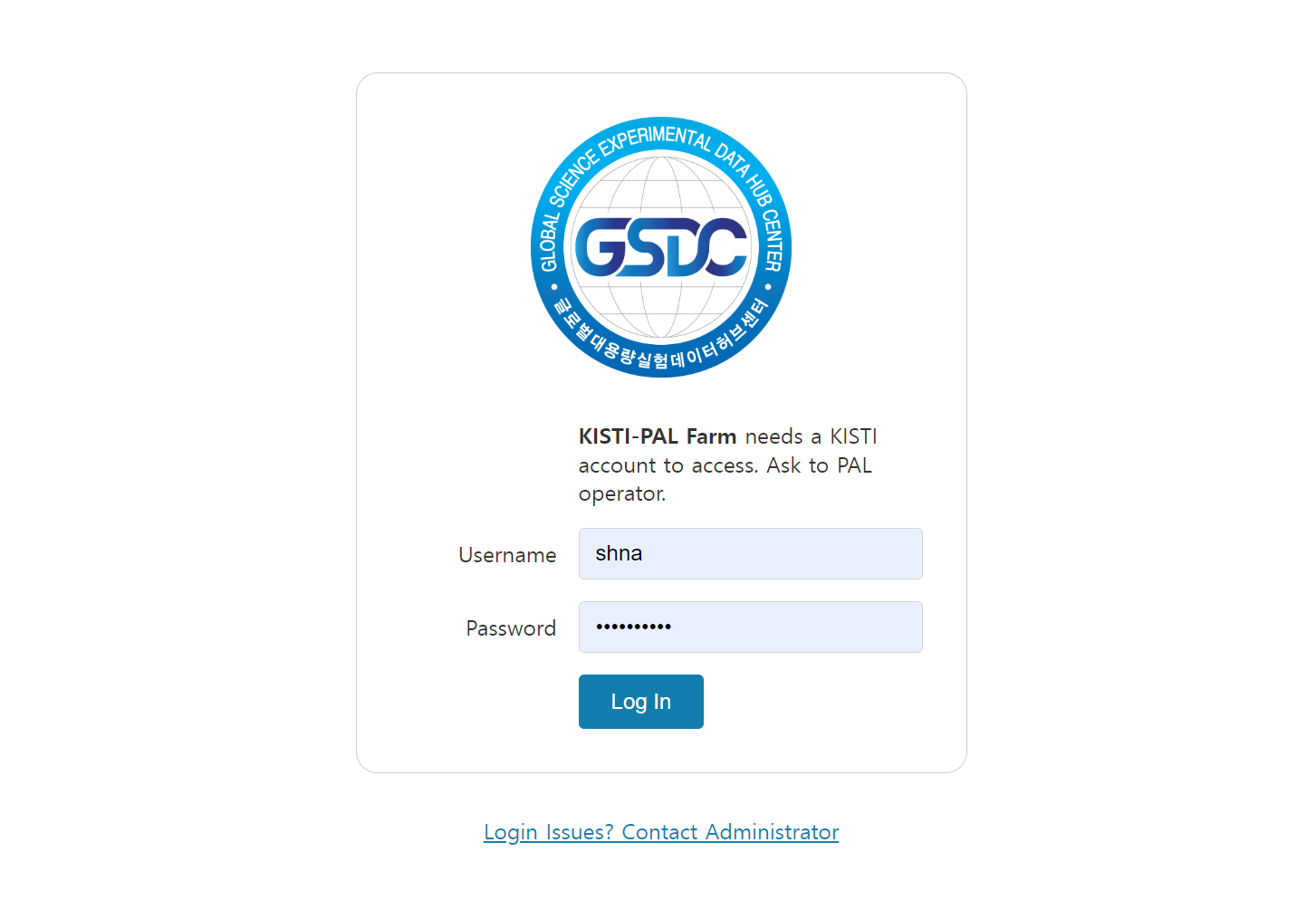
4.2. you can log in with your KISTI account and password.
If you generated an OTP token, then you should input <password+OTP> at the password field.
(ex) password: 1q2w3e4r and OTP: 123 456, then your password is “1q2w3e4r123456”
Transfer your data from the GSDC-PAL collection to your personal collection.
Please note that the transmission performance of Globus online depends entirely on network conditions. KISTI supports high-performance network infrastructure to provide research resources to approximately 200 R&D institutes.